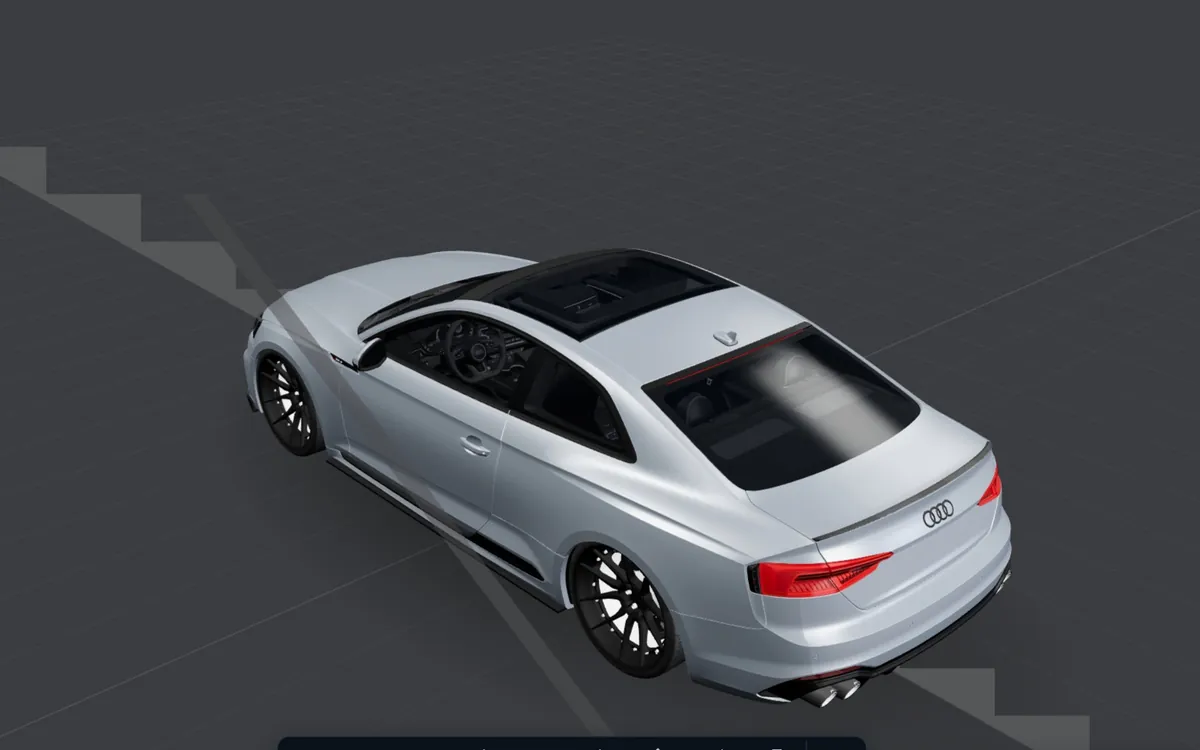
Import your vehicle
Open the car's folder or its .yft and .ytd files. CodeWalker XML exports and saved projects open too, and the car appears in 3D right away.
 GCarlabDiscordLog inSign up
Edit, check and export FiveM vehicles in your browser.

Free credits
Credits are only used when you export. New accounts start with free credits, and joining our Discord adds more.
Vehicle Toolkit
Open a FiveM vehicle from its own files and change it in a live 3D view. Every change can be undone.
Open the car's folder or its .yft and .ytd files. CodeWalker XML exports and saved projects open too, and the car appears in 3D right away.
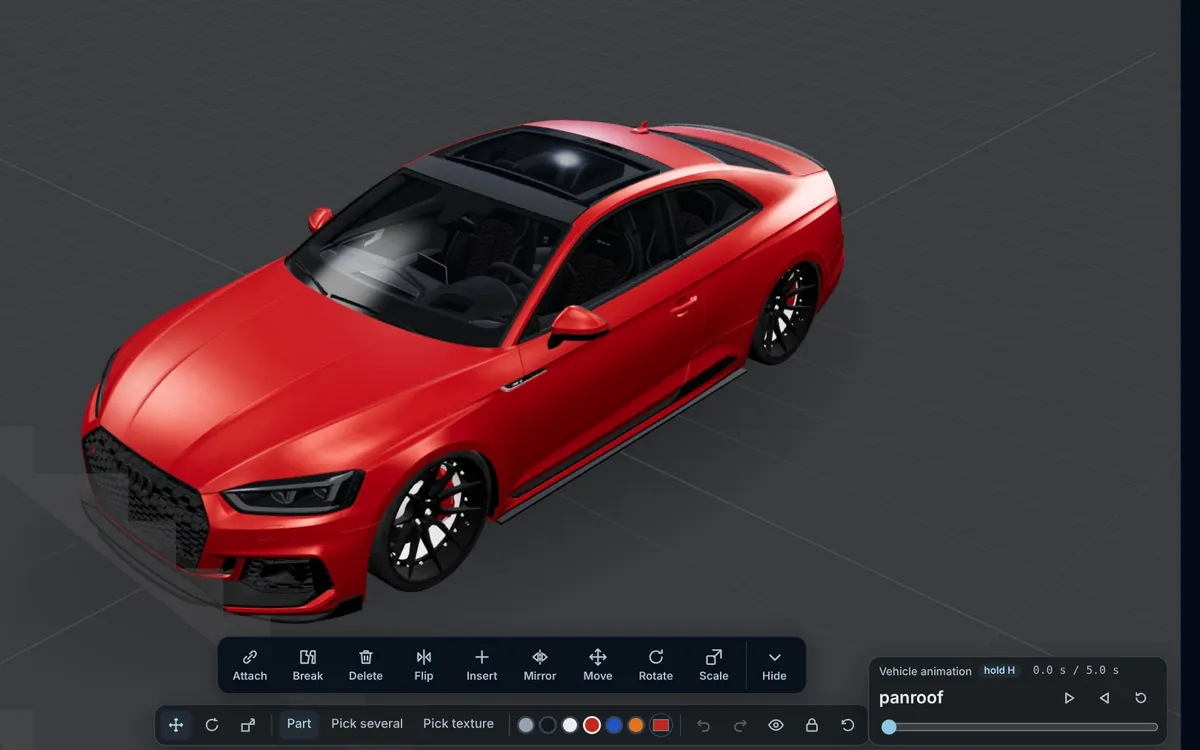
Move, rotate, scale, mirror or delete any part. Add spoilers, light bars and bumpers from the parts library, or your own 3D model.
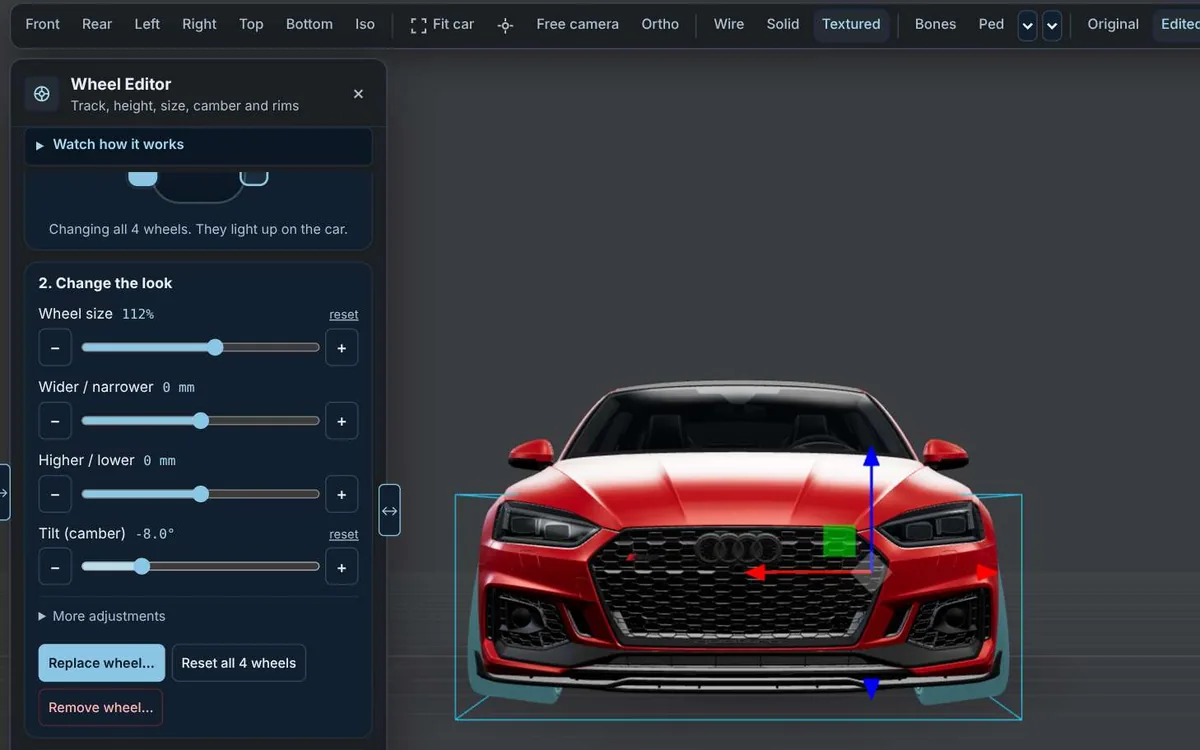
Change size, width, height and camber for all four wheels or just one. Replace or remove a wheel, or take the rims from another car.
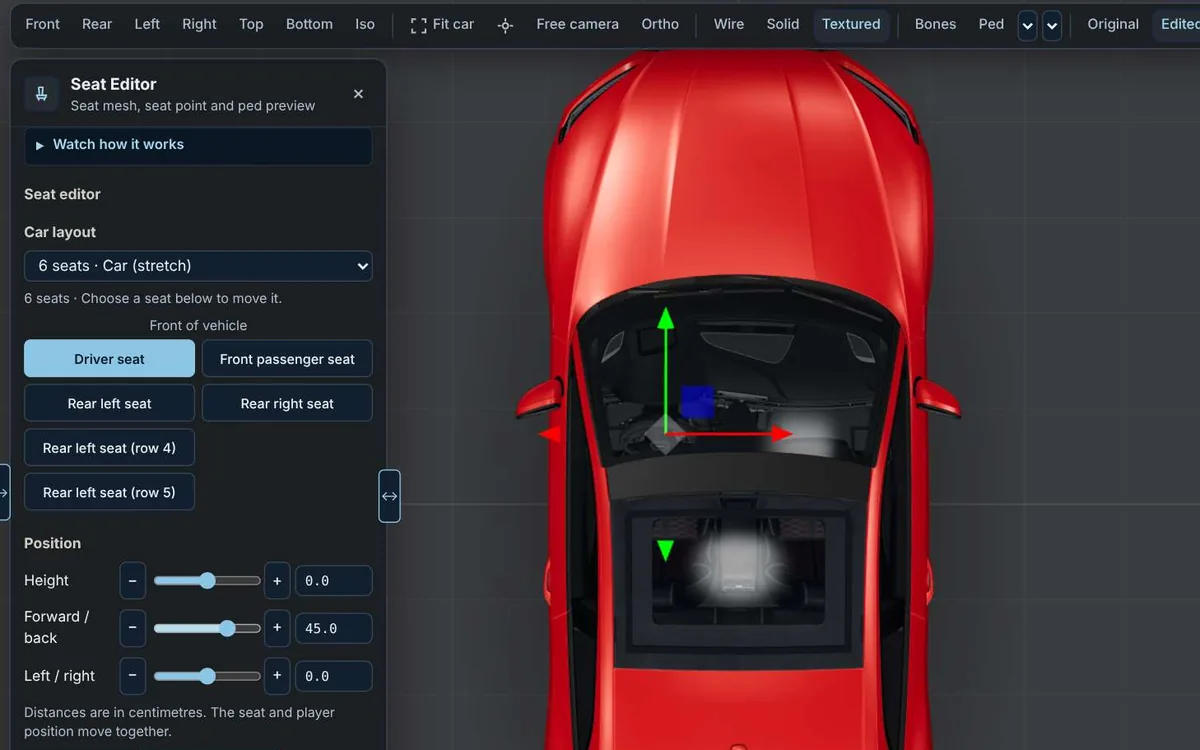
Choose the seat layout, move every seat to the centimetre and preview a player sitting in it.
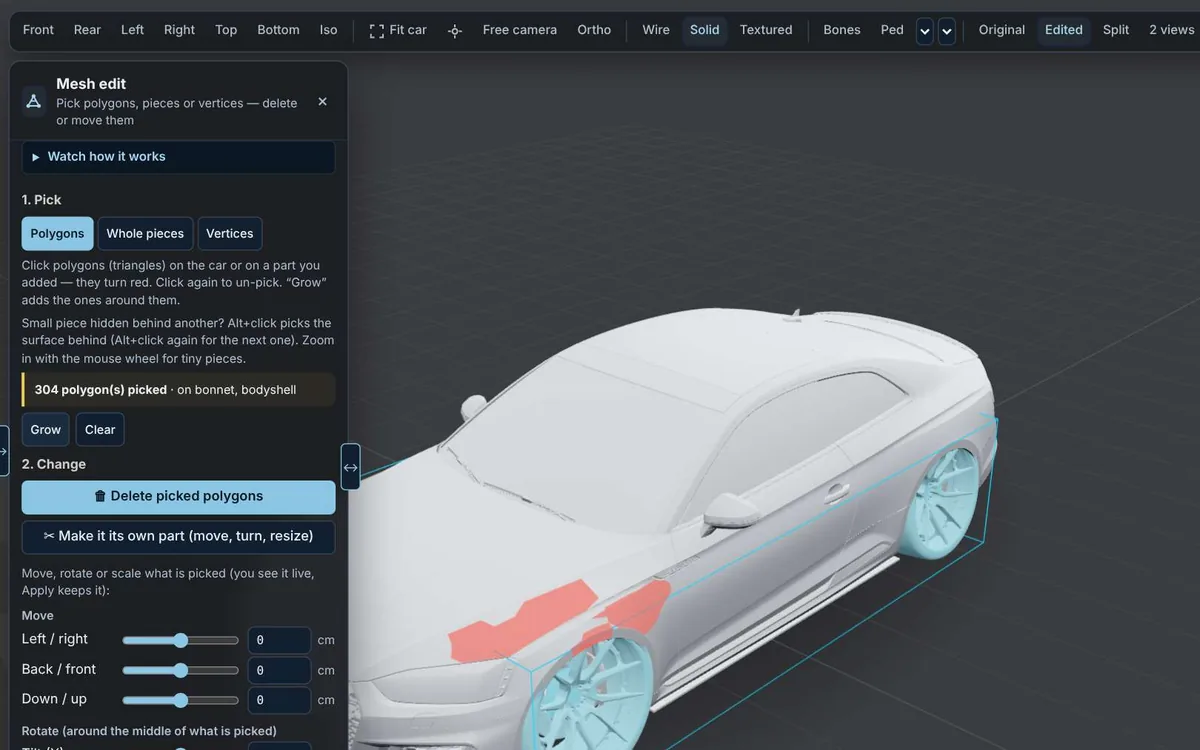
Pick polygons, whole pieces or vertices, then delete them, move them or turn them into a part of their own.
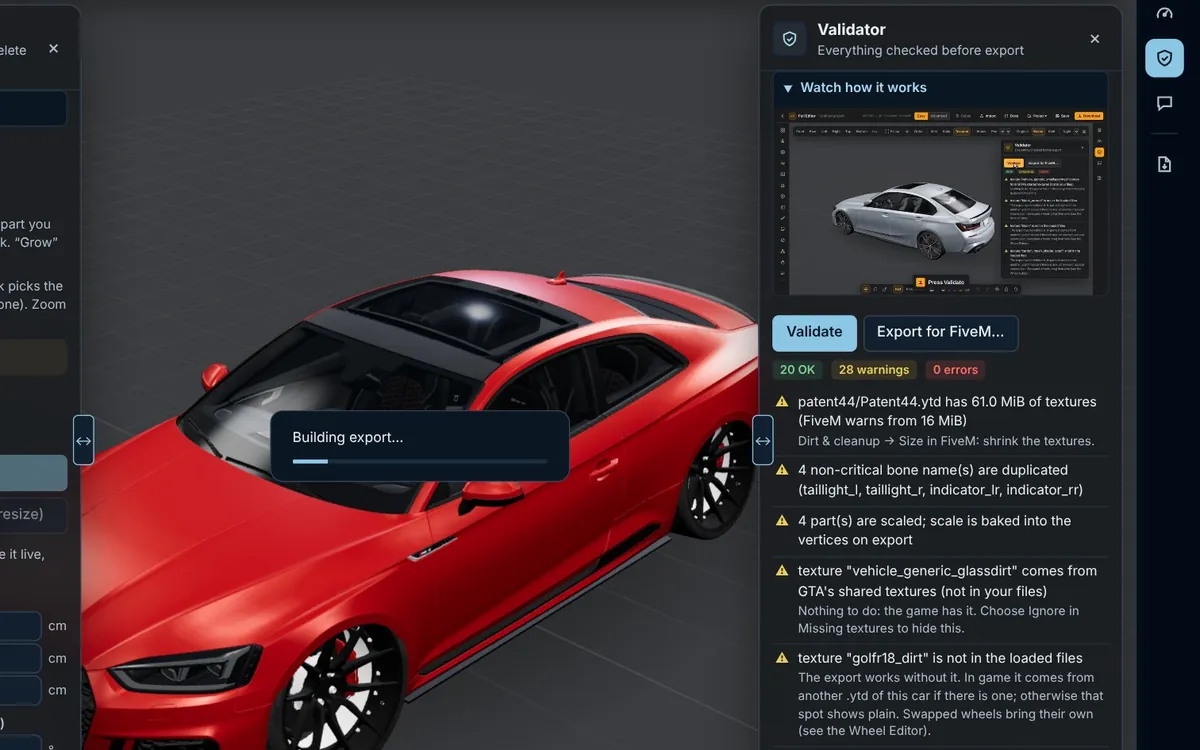
The check lists problems in plain words before you export. You get a .zip with the stream and data folders and an fxmanifest, ready for your server.
Weapon EditorUnder development
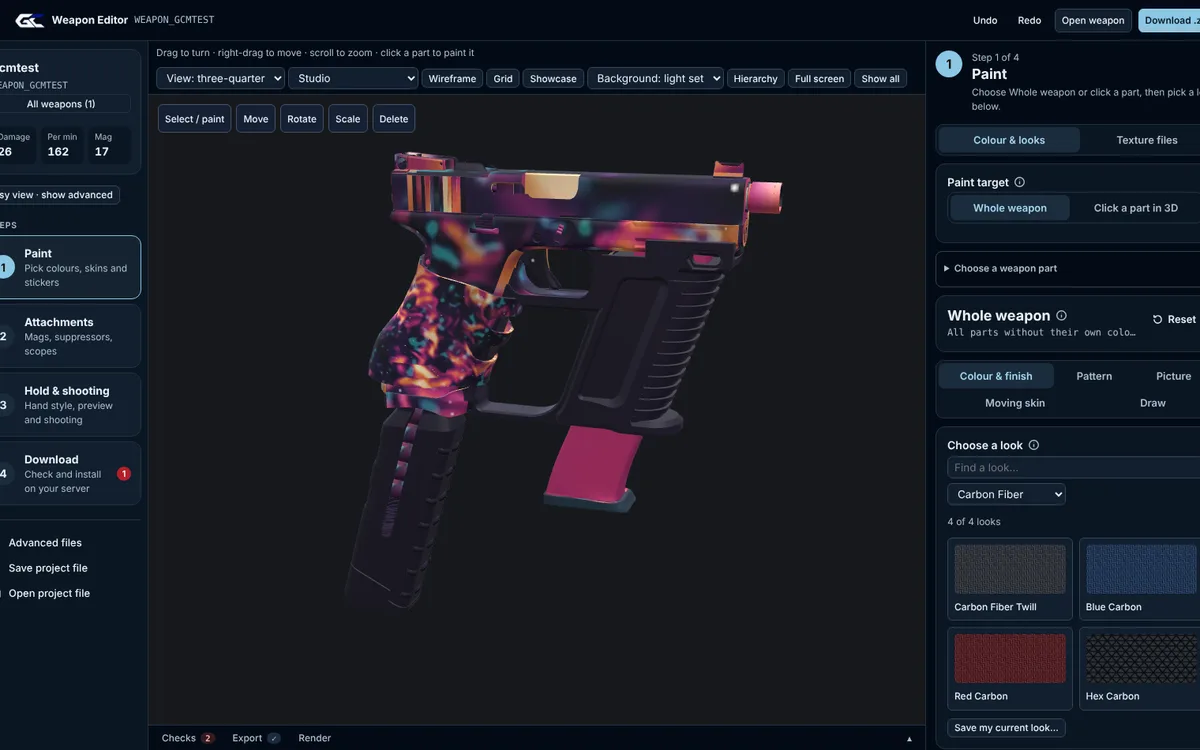
Paint a weapon part by part, pick a moving skin like Animated Nebula or Electric Lightning, and choose how it goes into the game: a still texture, GTA's own texture animation, a FiveM script, or a mod only on your PC.
Or build your own camo layer by layer in the Camo Creator, still or animated, and keep it in My Camos for every weapon.
Moving skins are checked in the browser and with CodeWalker. Try them once on your own server before you share them.
How it works
Drop the car's folder into the editor. Your files stay on your computer.
Use the tools for parts, wheels, seats, paint and more. Easy mode keeps it simple; Advanced shows everything.
See every change in 3D straight away, compare it with the original and undo anything.
Run the check and download a ready resource. Credits are only used for the changes in your export.
Why GCarlab
Editing a car for FiveM usually means several programs, file formats and a lot of trial and error. GCarlab puts the common jobs in one place and explains them as you go.
Models, textures and .meta files are edited together, so you do not have to jump between tools to change one car.
Plain names, short explanations and a video for each tool. Easy mode hides what you do not need yet.
The check looks through the files before you export and tells you what to fix and how.
Cars open in your browser. Nothing is uploaded unless you save a project to your account.
Exports are complete resources with a manifest, so they go straight into your server's resources folder.
Tried the toolkit? Tell others how it went.
Loading reviews…
GCarlab is a set of tools for FiveM creators that runs in your browser. The Vehicle Toolkit lets you open a GTA V / FiveM car, change it and export it as a ready resource. Under development: Weapon Editor. Coming soon: MLO Builder.
Add, remove, move, rotate and scale parts, edit wheels and seats, work on polygons, paint the car, add liveries, stickers and lights, and check and export the result for FiveM.
No. If you have your car's files, you can start. Every tool explains itself and has a short video. Knowing how FiveM resources work helps when you put the car on your server.
Yes. Open the car's folder with its .yft, _hi.yft and .ytd files, plus its .meta files if you have them. CodeWalker XML exports work too, and you can add your own 3D models (.glb, .obj, .fbx and more) as parts.
Yes. You download a .zip with the stream and data folders and an fxmanifest.lua. Put it in your server's resources folder and add it to server.cfg with ensure.
Opening, editing and previewing are free. When you export, credits are used for the changes in the file, and one export has a maximum price. You need an account to export. New accounts get 50 free credits, and joining our Discord gives 40 more.
Yes. Easy mode shows the common tools with simple controls, every change can be undone, and the check before export explains problems in plain language.
No. Your car is opened and edited in your browser. Only projects you choose to save to your account are stored with us.
Free to open, edit and preview. No download needed.